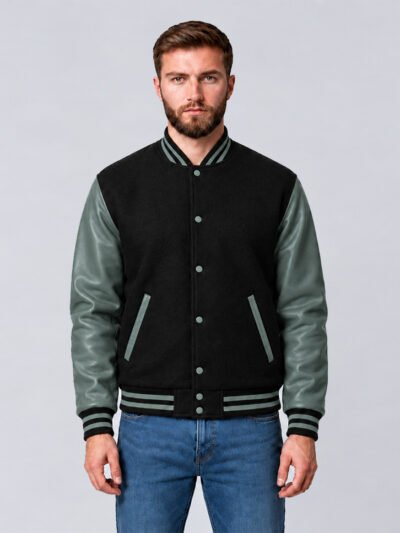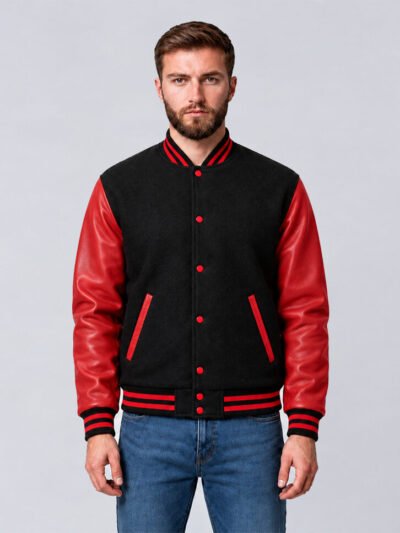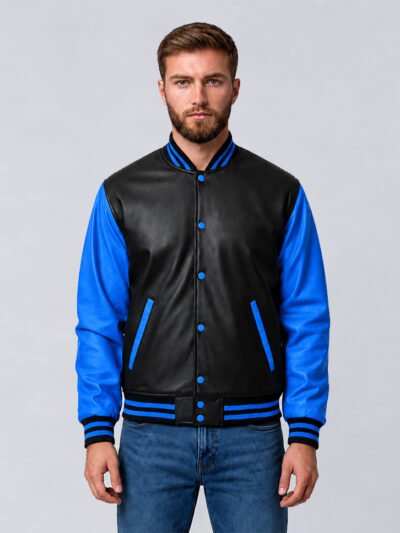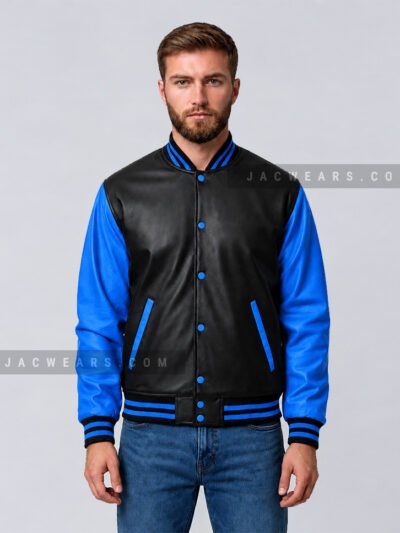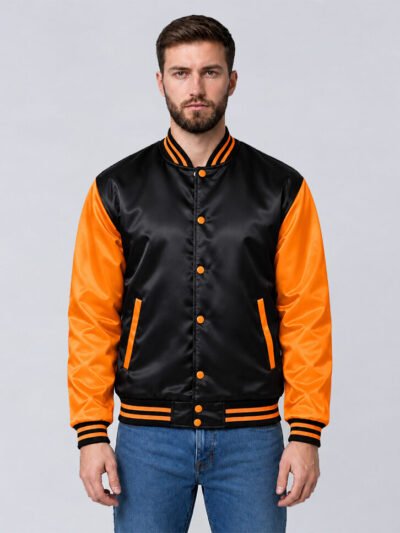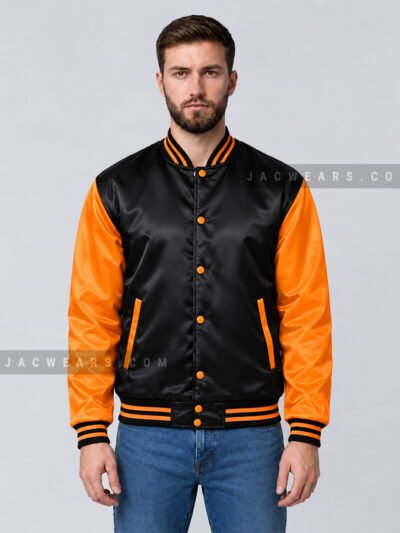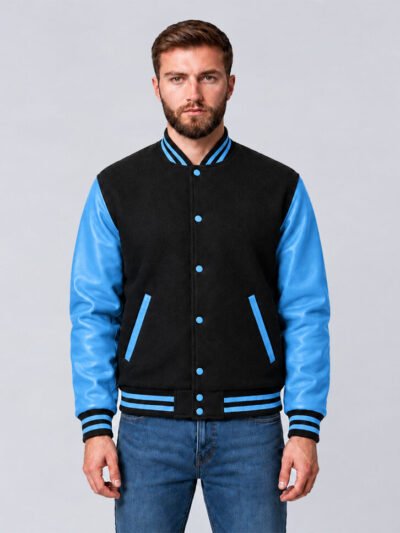

Want to design a custom varsity jacket but not sure where to start? It comes down to a few simple choices. Follow these six steps and you will know exactly what to order.
The 6 steps
- Choose the style
- Pick the fabric
- Choose body and sleeve colors
- Add your logo, name or numbers
- Pick your sizes
- Build it in the Design Lab
Step 1: Choose the style
Start with the shape. A classic wool and leather letterman jacket is the traditional choice. A satin bomber is lighter, and a full leather varsity jacket gives a premium look.
Step 2: Pick the fabric
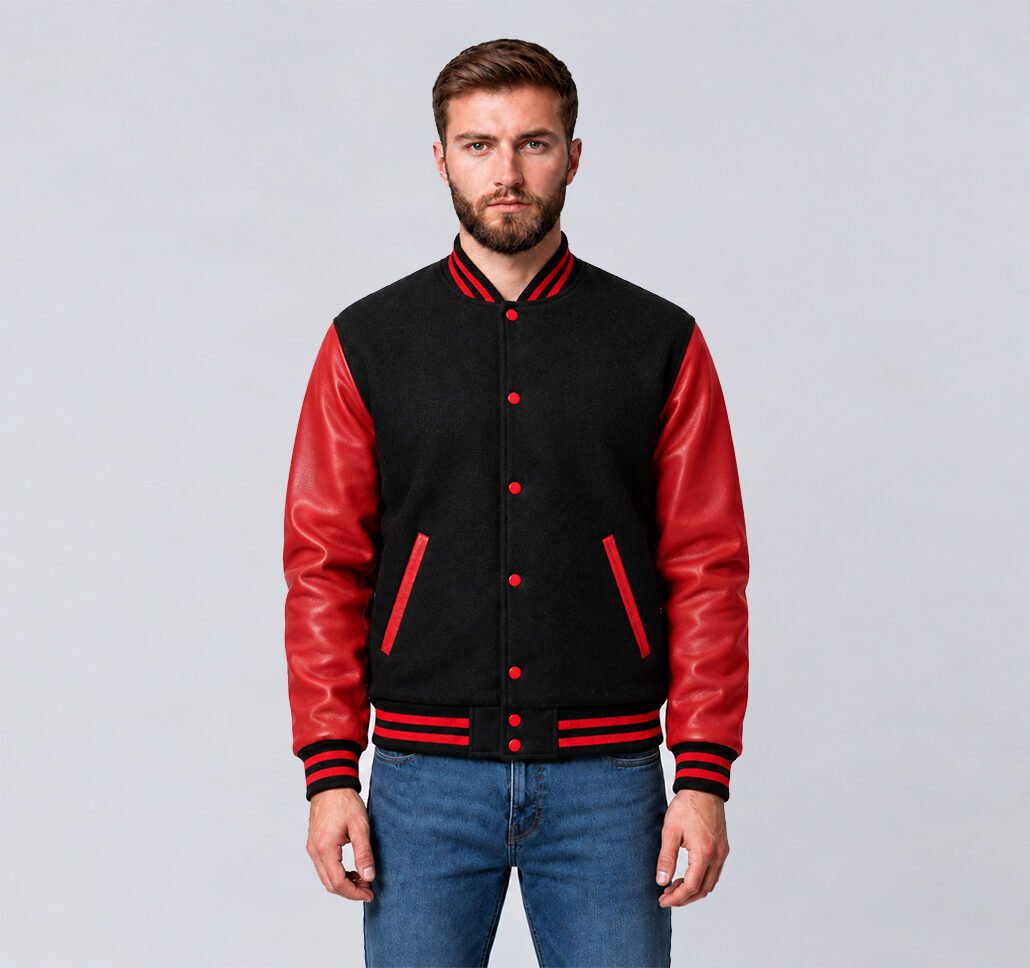
Choose melton wool, cowhide leather, sheepskin leather, faux leather, cotton fleece, satin or soft shell. Each has its own feel and weight. Compare them on our Materials & Colors page.
Step 3: Choose body and sleeve colors
Pick the body color and the sleeve color separately. Team colors work best when two colors contrast clearly, such as black with red, or navy with white. See every available color on the Materials & Colors page.
Step 4: Add your logo, name or numbers
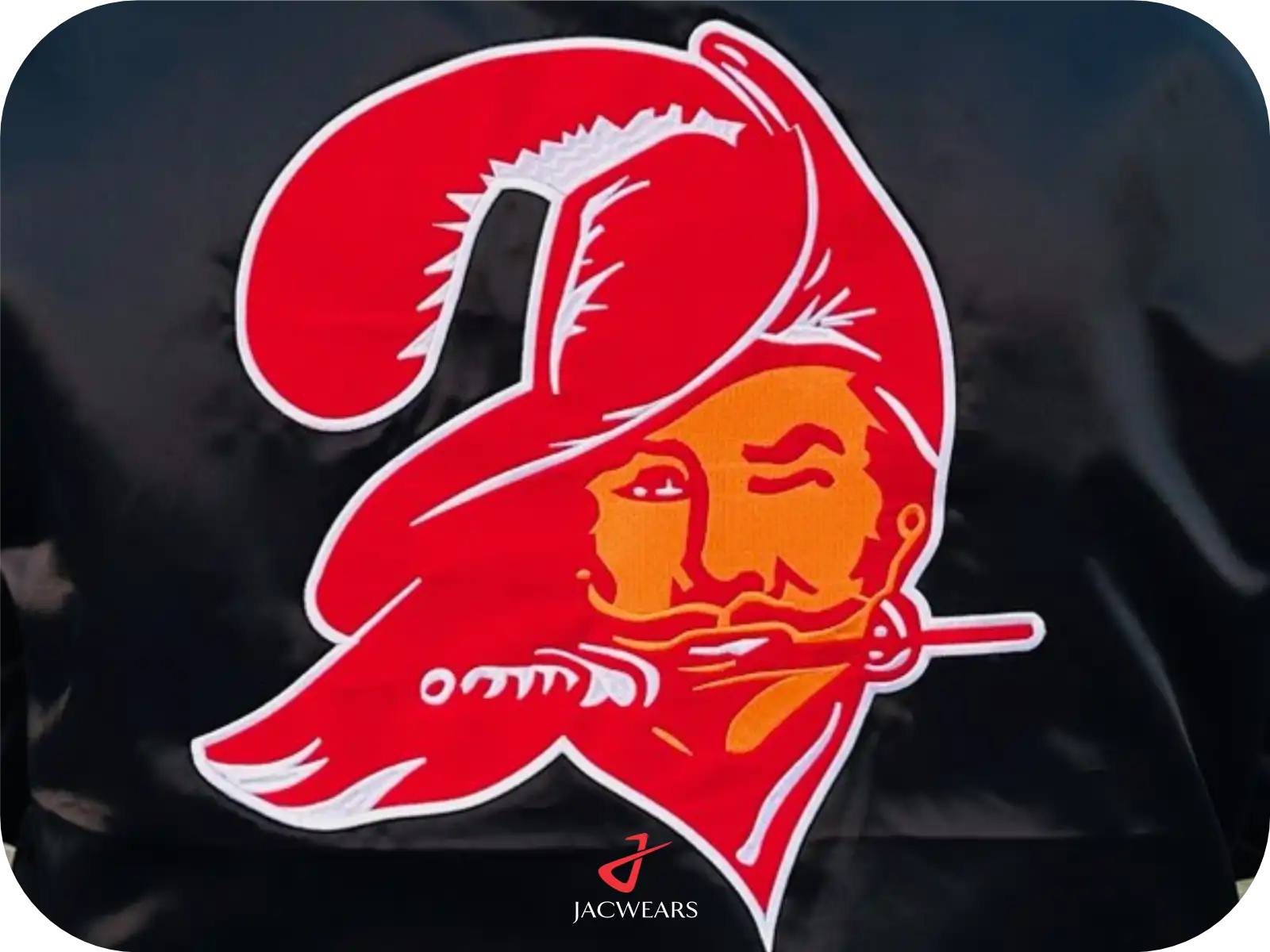
Decide where the design goes: the back, the chest, the sleeves or the cuffs. You can use digital embroidery, felt patches, embroidered patches or chenille letters. Our Embroideries & Patches page shows examples of each.
Step 5: Pick your sizes
Jackets are available in sizes XS to 6XL. Check measurements on the Size Chart before you decide.
Step 6: Build it in the Design Lab
Use the Design Lab to design your own varsity jacket online: choose your colors, materials and patches and see the jacket update as you go. Ordering for a team, school or brand? See our wholesale jackets page.
Design tips
- Keep your logo simple. Clean shapes stitch best.
- Limit the number of colors so the jacket looks balanced.
- Check spelling on names and numbers before you confirm.
Before you start: what to have ready
A little preparation makes it much easier to design a custom varsity jacket you will be happy with. Before you open the Design Lab, gather:
- Your logo or artwork as a clear, high-resolution file. Simple shapes and solid colors stitch best.
- Your colors. If you have exact team or brand colors, note them down so you can match them as closely as possible.
- Names, numbers and text, spelled exactly as they should appear.
- A size list if you are ordering for a group, using the measurements on our size chart.
Where to place your design
Placement changes the whole look of the jacket. These are the most popular spots:
- Left chest: a small logo, initial or chenille letter. This is the classic varsity placement.
- Full back: the largest space, ideal for a team name, school name or a big brand logo.
- Sleeves: numbers, graduation years or small patches.
- Inside lining: a printed or embroidered message for a personal touch.
Keep the front simple and save larger artwork for the back. A jacket with one strong focal point usually looks more premium than one with patches everywhere.
Common mistakes to avoid
- Too many colors. Two or three main colors look clean. More can look busy.
- Tiny text in embroidery. Very small letters lose detail when stitched. Make text large enough to read from a distance.
- Low-contrast combinations. Navy on black or yellow on white can disappear. Pick colors that stand apart.
- Guessing sizes. Measure first. If the jacket will be worn over a hoodie, consider one size up.
Designing jackets for a team, school or brand
When you design a custom varsity jacket for a group, keep the main design the same for everyone and personalize only names and numbers. This keeps the look consistent and makes ordering simpler. Collect each person’s size and name in one list before you place the order, and check the spelling twice. For group and bulk orders, visit our wholesale jackets page or contact us to discuss your project.
Popular style ideas
- Classic letterman: a wool body, leather sleeves and a chenille letter on the chest.
- Clean and modern: a single-color satin bomber with a small embroidered logo.
- Bold team look: contrast sleeves, striped rib knit and a large back design.
- Premium all-leather: a full leather jacket with tone-on-tone embroidery.
Finishing touches: lining, rib knit and closures
The small details decide how the finished jacket looks and feels.
- Lining: quilted lining adds warmth for colder weather. Cotton feels soft and breathable. Polyester satin is smooth and slides easily over a hoodie.
- Rib knit: the collar, cuffs and waistband can be plain or striped. Stripes in your second team color tie the whole design together.
- Closure: snap buttons give the classic varsity look. A zipper suits bomber styles and a cleaner front.
- Pockets: slash pockets with contrast trim are traditional. Welt or flap pockets give a neater finish.
You can try each of these options in the Design Lab and compare them before you decide.
Frequently asked questions
Can I design a custom varsity jacket with my own logo?
Yes. Add your logo with digital embroidery, felt, embroidered patches or chenille.
What sizes can I choose?
Sizes XS to 6XL.
Which fabrics can I choose?
Melton wool, cowhide leather, sheepskin leather, faux leather, cotton fleece, satin and soft shell.
Can I see my design before ordering?
Yes. The Design Lab shows a preview of your jacket as you choose colors, materials and patches, and you can save your design.
Can I order different names and numbers on each jacket?
Yes. Keep the main design the same and add individual names and numbers for each person.